
Record once.
Publish everywhere.
Capture vertical video for TikTok and Reels, plus horizontal video for YouTube, from the same take. TriShot saves separate outputs automatically.
Capture vertical video for TikTok and Reels, plus horizontal video for YouTube, from the same take. TriShot saves separate outputs automatically.
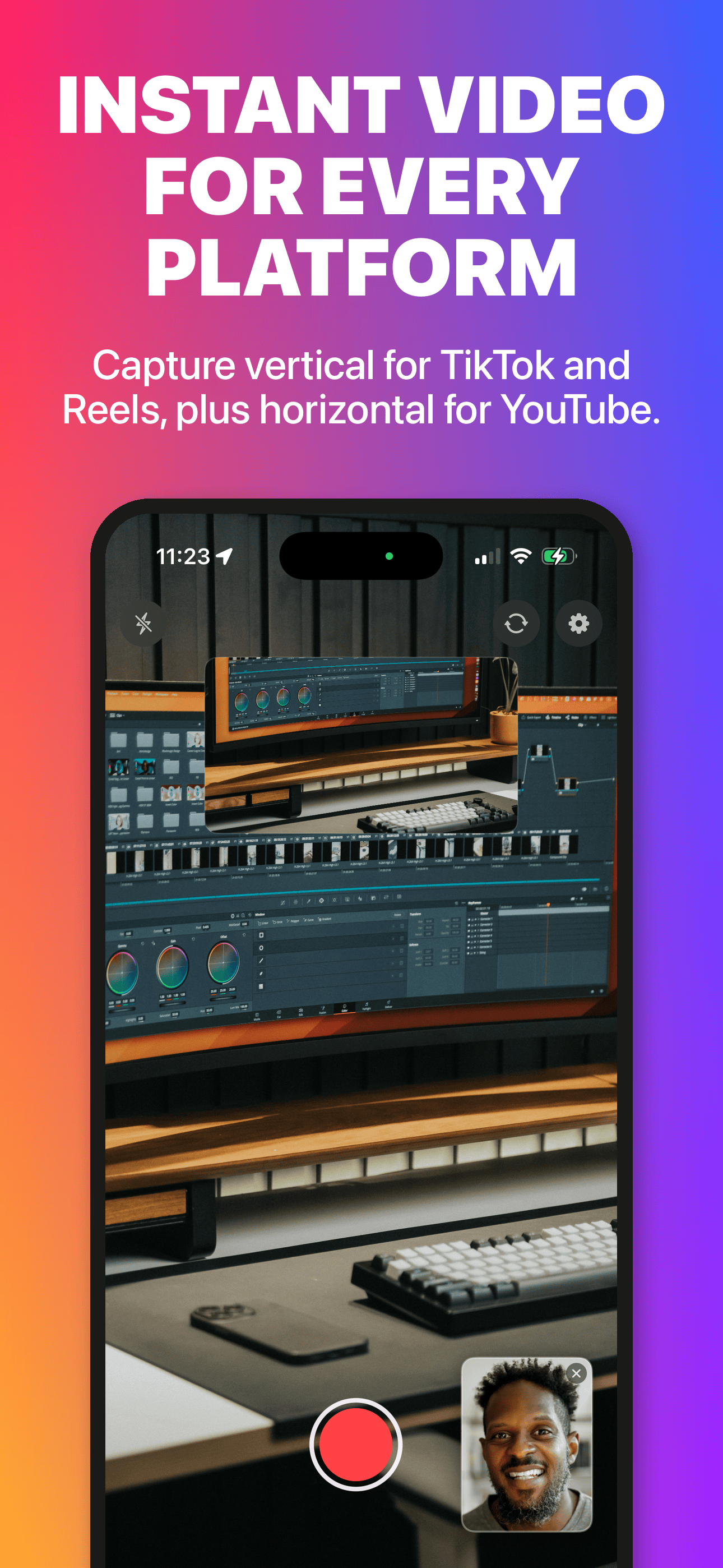
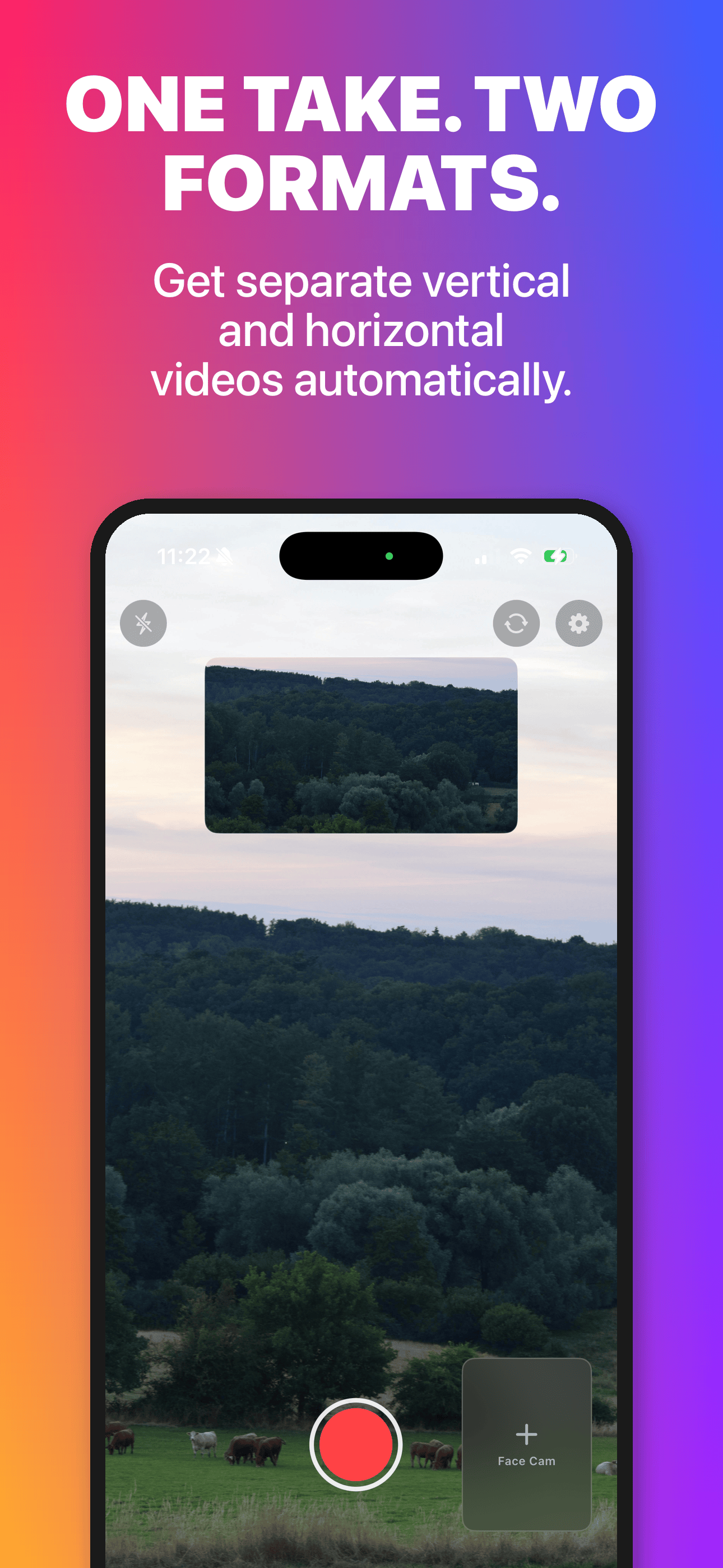
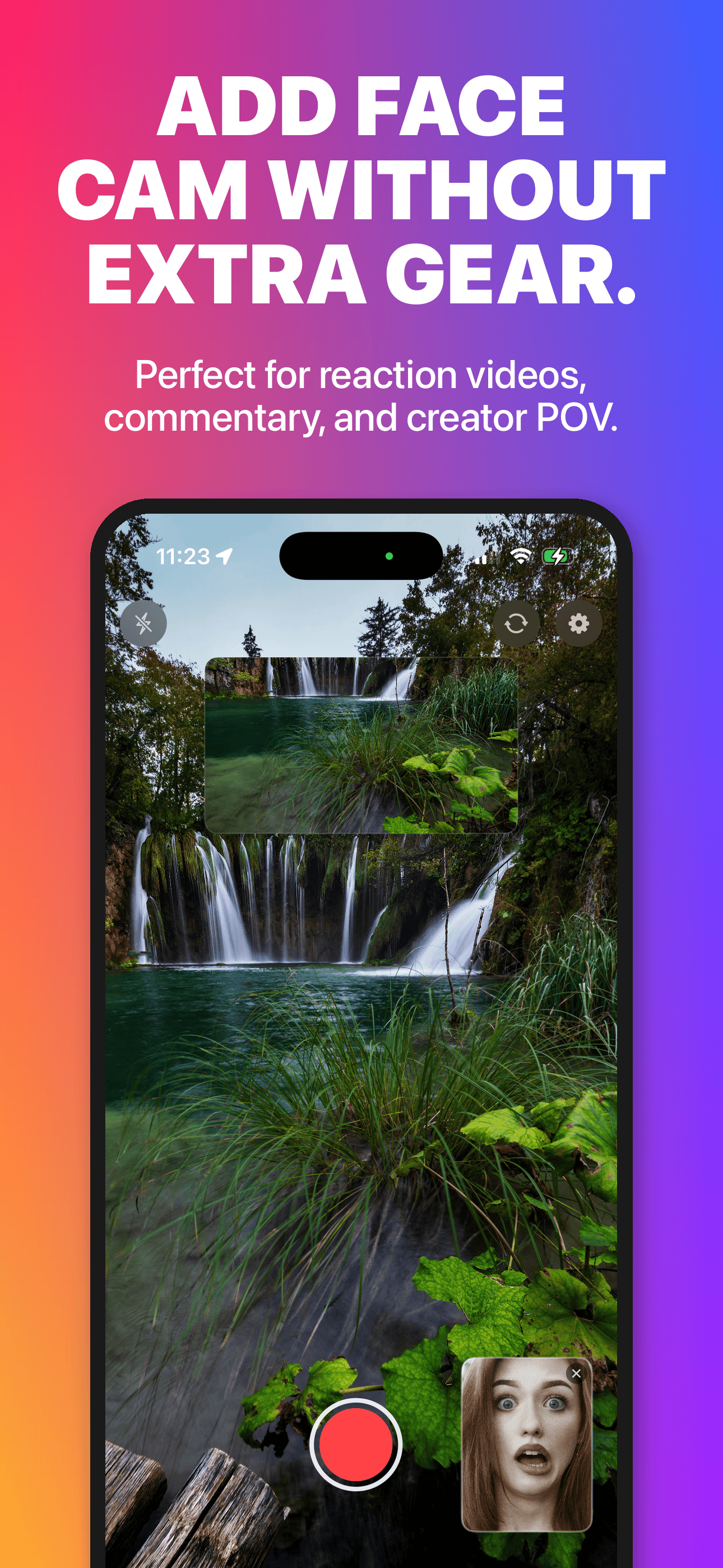
Record with both front and back cameras at the same time. Get two separate video files from a single take.
Automatically capture vertical for TikTok and Reels, plus horizontal for YouTube. No re-recording needed.
Keep your reaction on screen while recording the full scene. Perfect for commentary, tutorials, and creator POV.
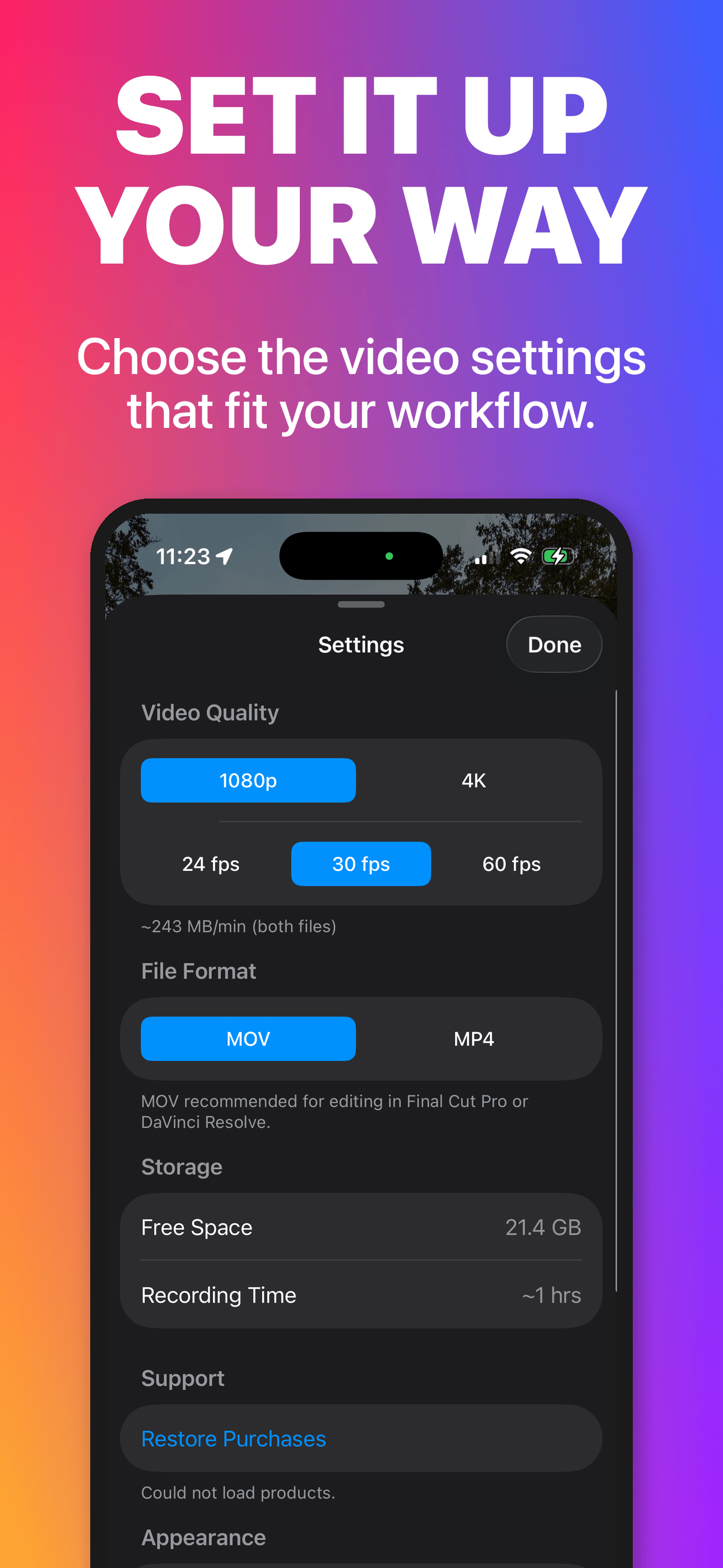
Choose resolution (1080p or 4K), frame rate (24/30/60 fps), and format (MOV or MP4) before you hit record.
Live on-screen thermal status so you know when your device is working hard. No surprise shutdowns.
Stop recording the same scene twice. One take, two platform-ready files. Spend less time filming, more time creating.
Need help? Here are answers to common questions.
Recordings are saved to your Photo Library. Open the Photos app to find them. Each recording produces two videos:
TriShot_..._Front.mov - your front camera videoTriShot_..._Back.mov - your back camera videoDual-camera recording is intensive. If you see a thermal warning:
If you've purchased TriShot Pro but don't see the gold camera button or the Pro badge:
Once restored, you'll see the Pro badge and the camera button will turn gold. Purchases are tied to your Apple ID and can be restored on any device.
TriShot needs camera and microphone access to record. If you accidentally denied permission:
TriShot requires an iPhone or iPad with dual cameras running iOS 16 or later. Dual-camera recording uses Apple's multi-cam API, which is available on: